
Your cart is currently empty!
Sale!
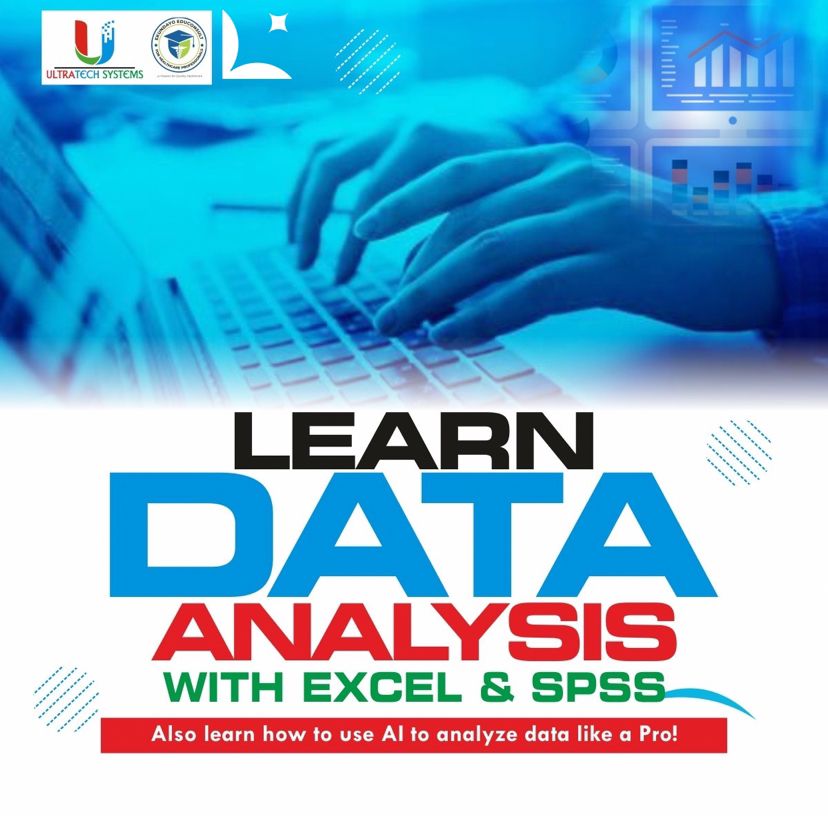
Data Analysis with SPSS & EXCEL
Original price was: ₦30,000.00.₦20,000.00Current price is: ₦20,000.00.
Master the art of data analysis with our comprehensive course on SPSS and Excel, enhanced with AI techniques. Learn to process, analyze, and visualize data efficiently using advanced tools and methodologies. Perfect for researchers, analysts, and business professionals looking to gain actionable insights and drive data-driven decisions. Enroll now to transform your data skills!
Description
3 Weeks Intensive Hands on training on Data Analysis using EXCEL and SPSS WITH A Special Class on using AI for Data Analysis
Here comes an opportunity you should never miss.
LEARNING DATA ANALYSIS FROM BEGINNERS TO ADVANCED LEVEL
Duration: 3 weeks
Excel DA Outline
 Advanced Formulas and Functions (IF, Text, Lookups, Date & Time, Financial, Medical, Statistical, etc)
Pivot Tables and Pivot Charts
Data Validation
Sparklines
Working with Charts and Slicers
Conditional Formatting with formulas
Managing large worksheets
What If Analysis
Flash Fill
Quick Analysis
Predictive Analysis
Errors in Excel
Printing Worksheets
Solving different Excel problems
Special Class on using AI for Data Analysis
Prompt Engineering for Data Analysis
Microsoft Copilot
Top AI tools for data analysis
SPSS Competency Course Outline:
1. Installing and Starting SPSS.
2. Components/Features of SPSS.
3. Variables (Dependent and Independent)
4. Entering Data and Variables.
5. Importing and Exporting of Data
6. Data Cleaning and manipulation.
7. Creating and Working with Unique IDs
8. Descriptive Analysis 1: Frequencies and Descriptives.
9. Understanding Analysis Output in SPSS.
10. Descriptive Analysis 2: Crosstabs and Charts.
11. Advanced data analysis using correlation and regression.
12. Statistical Tests (Means, T-test, One-way ANOVA).
13. Output in SPSS: Saving and Printing.
Only logged in customers who have purchased this product may leave a review.
Related products
-

#30DAYSEXCELCHALLENGE
₦15,000.00 -
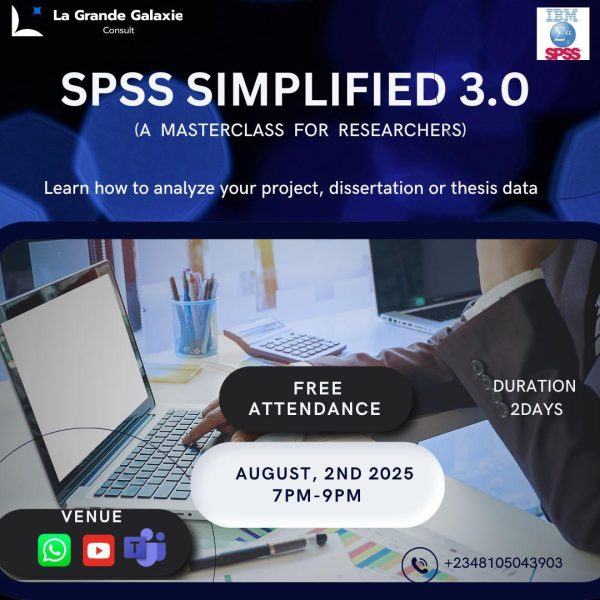
EXCLUSIVE GROUP FOR SPSS SIMPLIFIED
₦10,000.00 -
Data Science and Analytics Mentorship Program
Original price was: ₦120,000.00.₦100,000.00Current price is: ₦100,000.00. -
Data Analysis with SQL, POWERBI & TABLEAU
Original price was: ₦45,000.00.₦20,000.00Current price is: ₦20,000.00.


Reviews
There are no reviews yet.